Updating Studio
Doodle Studio checks its published releases, but it does not download or install anything in the background.
The startup check
Section titled “The startup check”Studio checks once when it starts. No dialog appears when the installed version is current or the release service cannot be reached. A dialog opens only when a newer installer is available for the current operating system.
The dialog shows the installed and available versions, a summary of the release, a link to the full changelog, and the installation method for Windows or macOS.
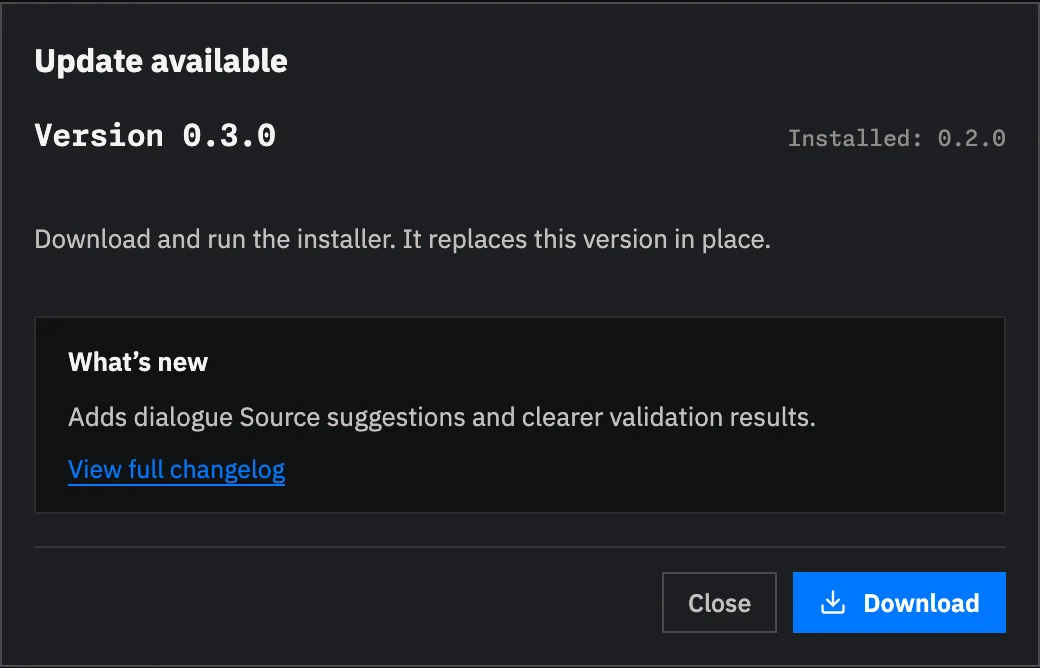
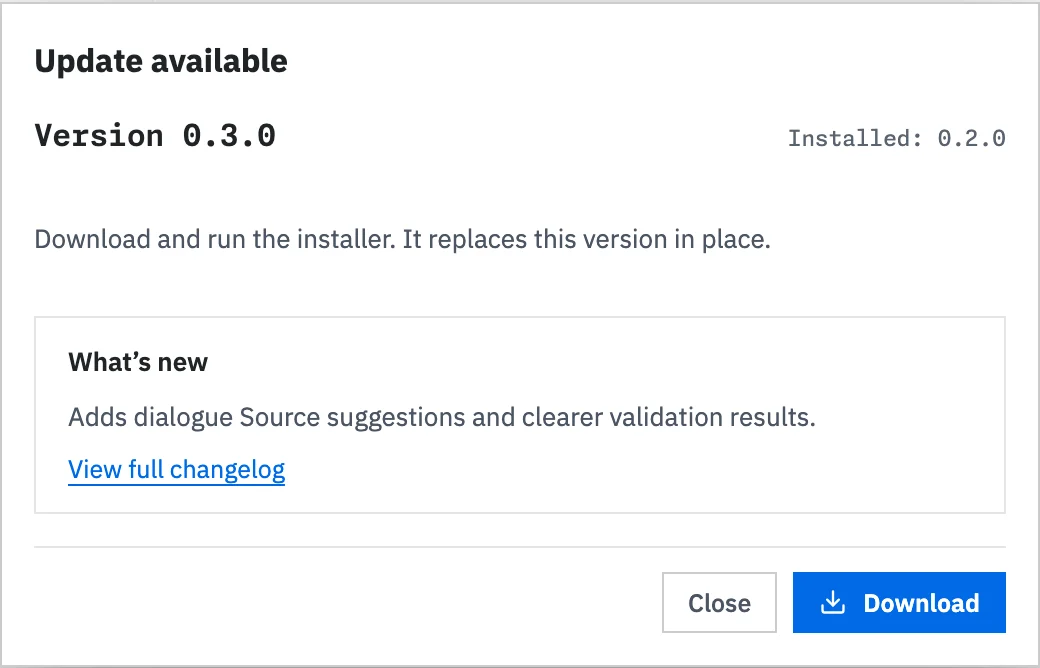
Download opens the matching installer in your browser. Studio remains open and does not run the installer.
Run a manual check
Section titled “Run a manual check”Use either route:
- Open the Help menu and select Check for Updates….
- Open the command palette with
Ctrl+Kon Windows orCmd+Kon macOS, then select Check for updates.
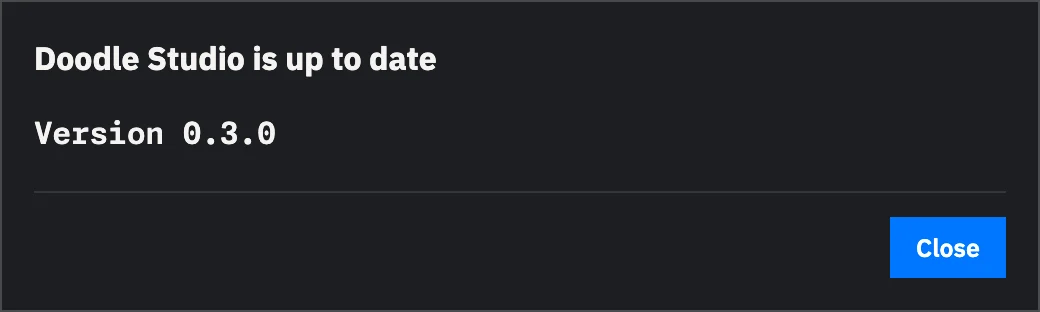
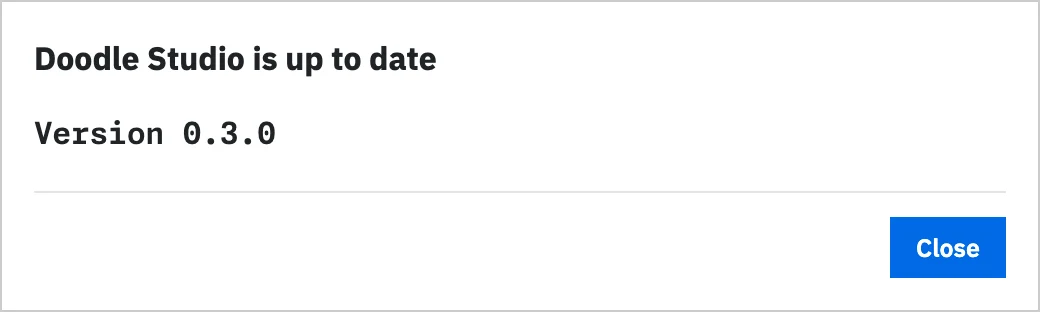
A manual check always reports its result. If Studio is current, the dialog shows the installed version.
If the check fails, the dialog includes the error returned by the release service. Select Try Again after checking the network connection.
Install the update
Section titled “Install the update”After the download finishes:
- On Windows, run the
.exeinstaller. It replaces the installed Studio application. - On macOS, open the
.dmgand drag Doodle Studio into the Applications folder. Confirm the replacement when Finder asks.
Open Studio after installation. To verify the version, open the Help menu and select About….
Security prompts
Section titled “Security prompts”Current Studio installers are not code-signed, so Windows or macOS may block the first launch. The Doodle Studio setup explains how to check the installer and proceed on Windows or macOS.
The operating system may ask again after a later Studio update.
What the installer changes
Section titled “What the installer changes”The installer replaces the Studio application. It does not edit project content
or change the @doodle-engine/core version declared by a project. Engine
dependency updates remain a separate project task.